AI Background Changer
Free AI Background Changer for Photos
Replace product, portrait, and social media backgrounds with GPT Image 2 editing while keeping the subject recognizable.
Result
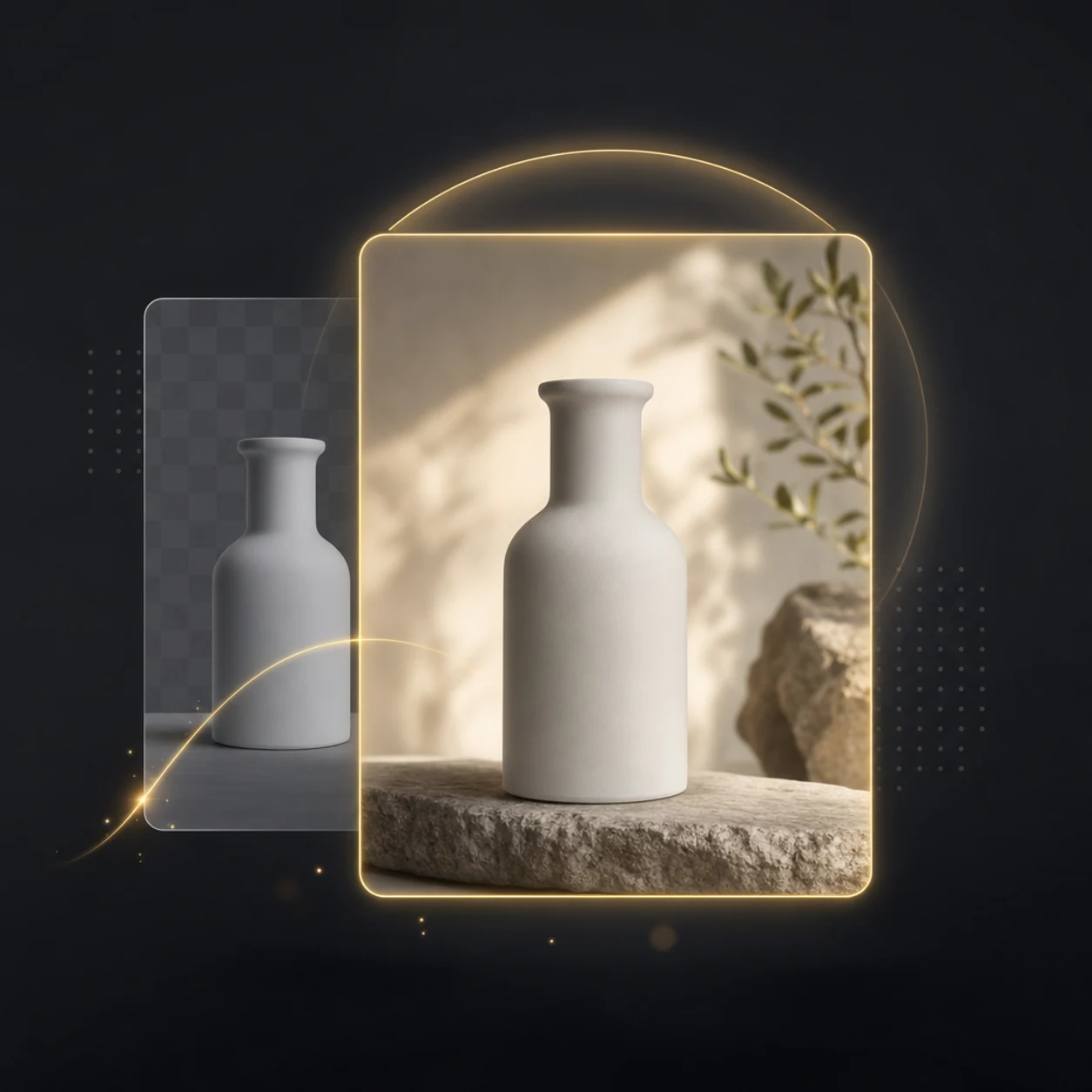
Create clean product backgrounds
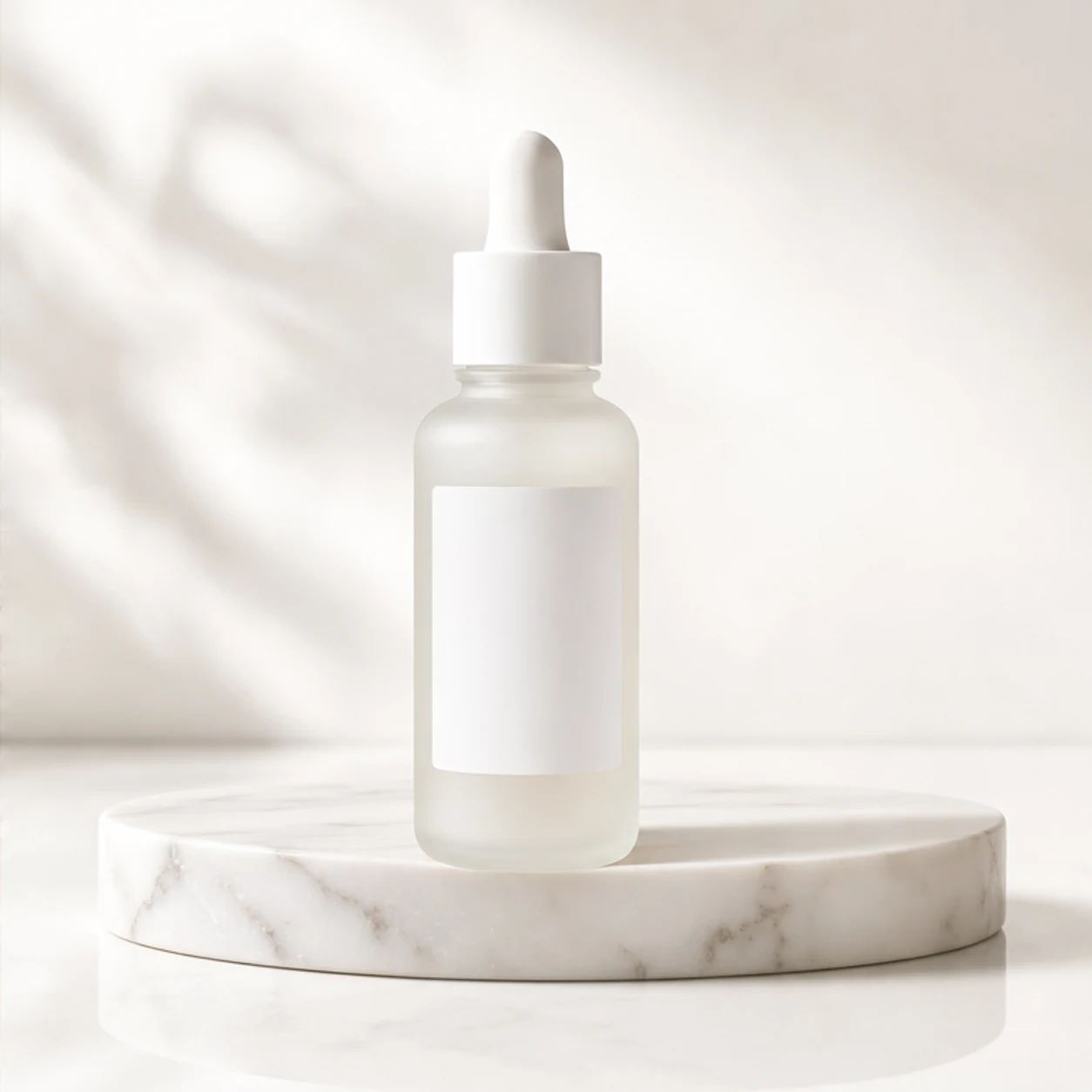
Turn everyday product photos into polished studio-style images with soft shadows, clean surfaces, and campaign-ready color palettes.
Change background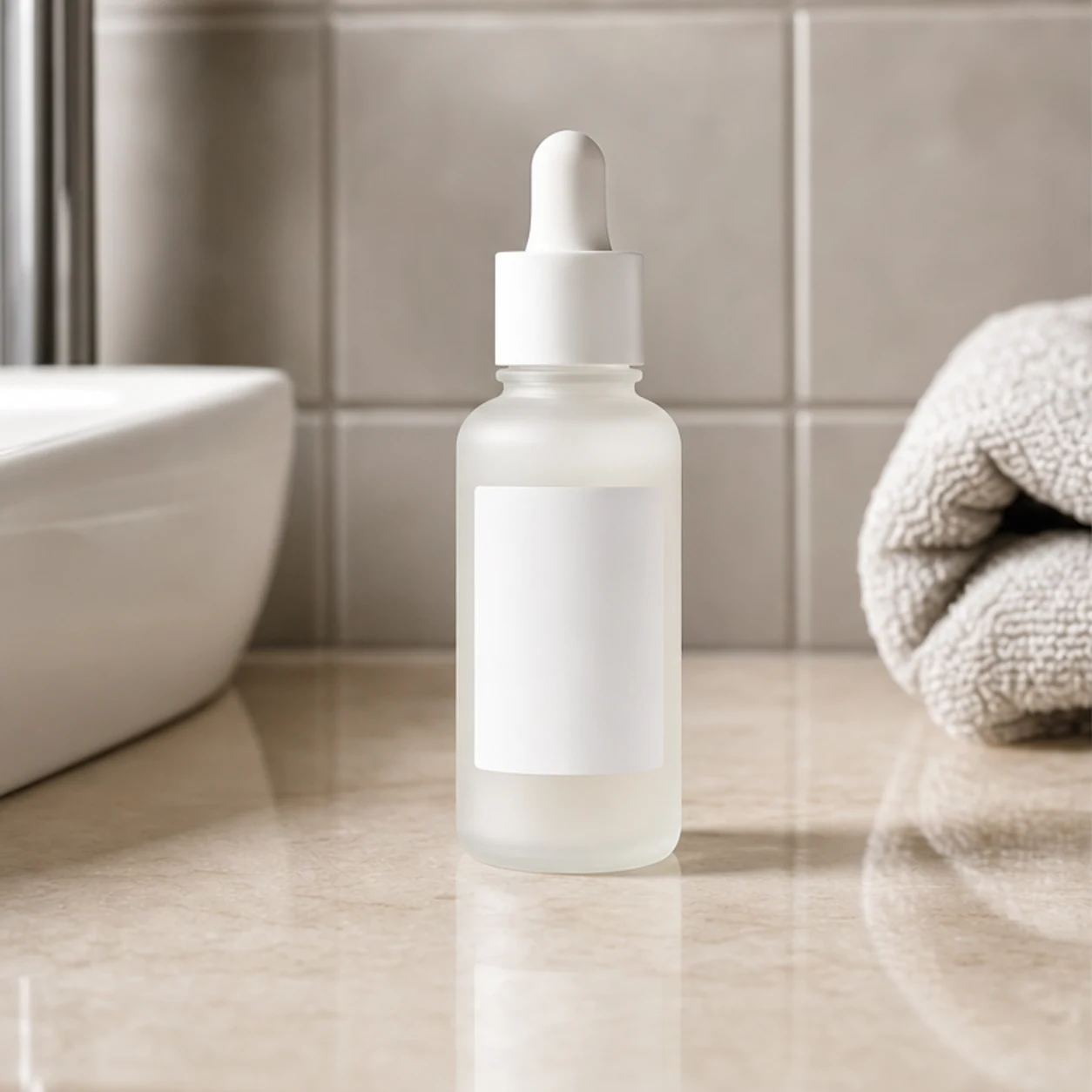
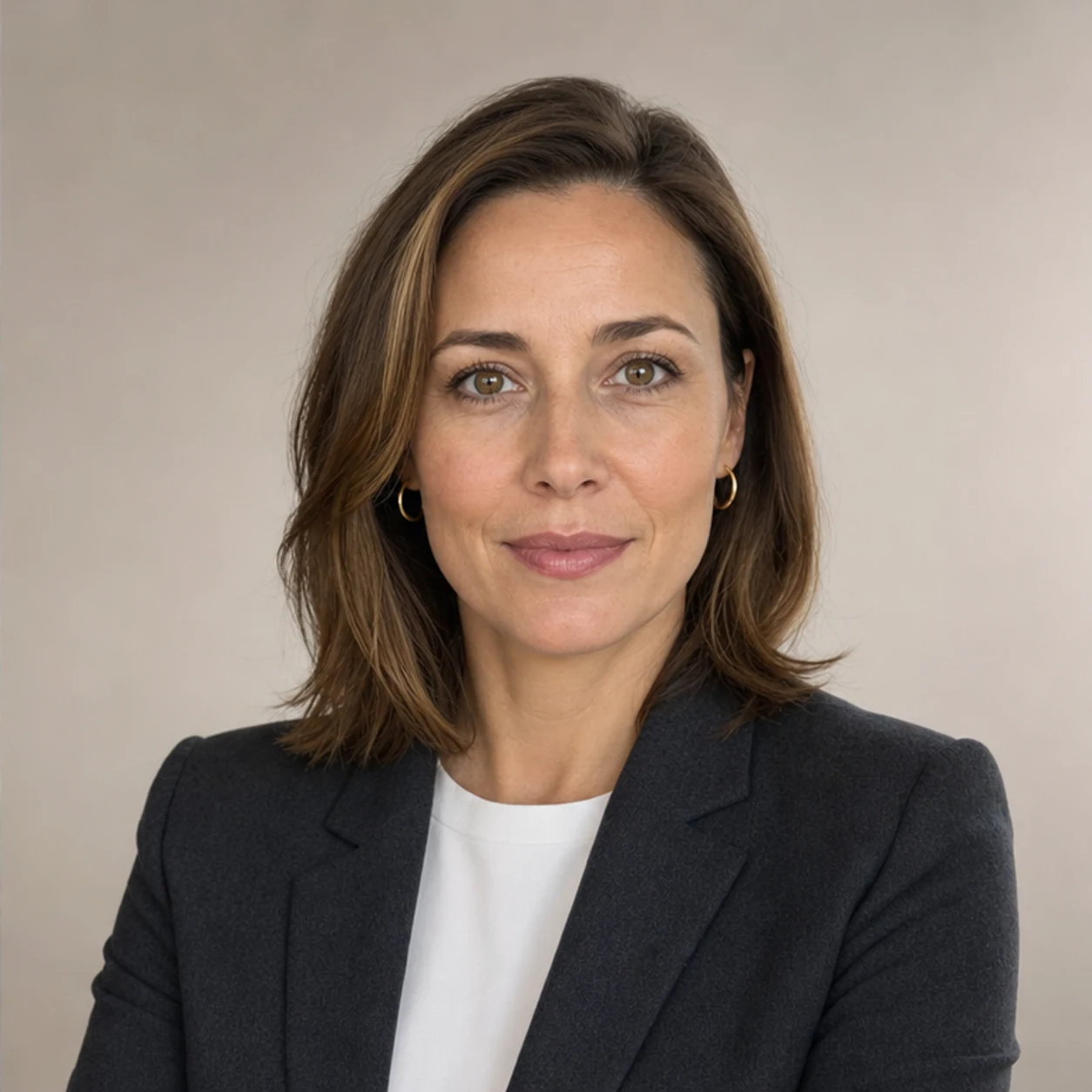
Change portrait backdrops
Move a headshot or creator portrait into a refined office, editorial, outdoor, or neutral background without changing the person.
Change background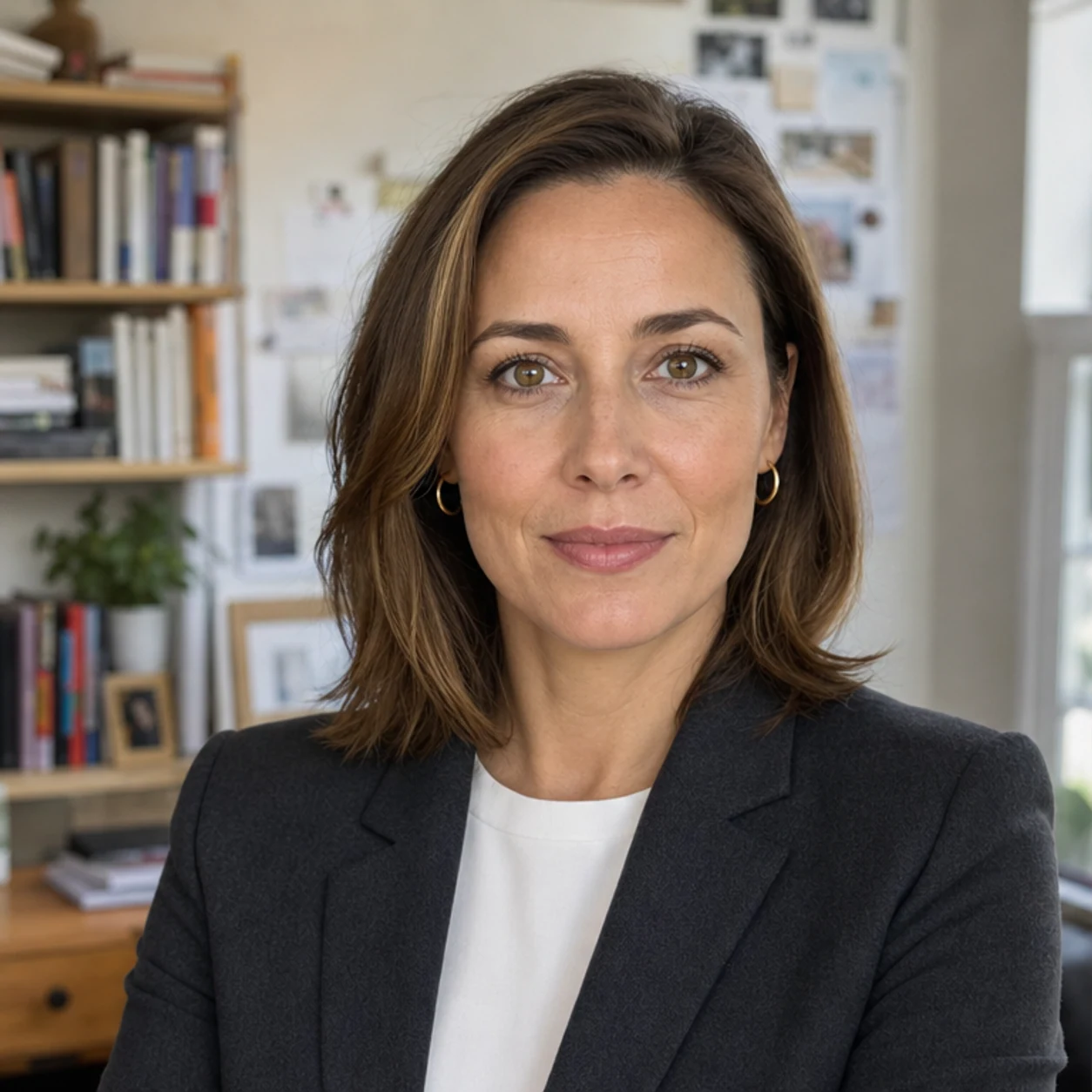
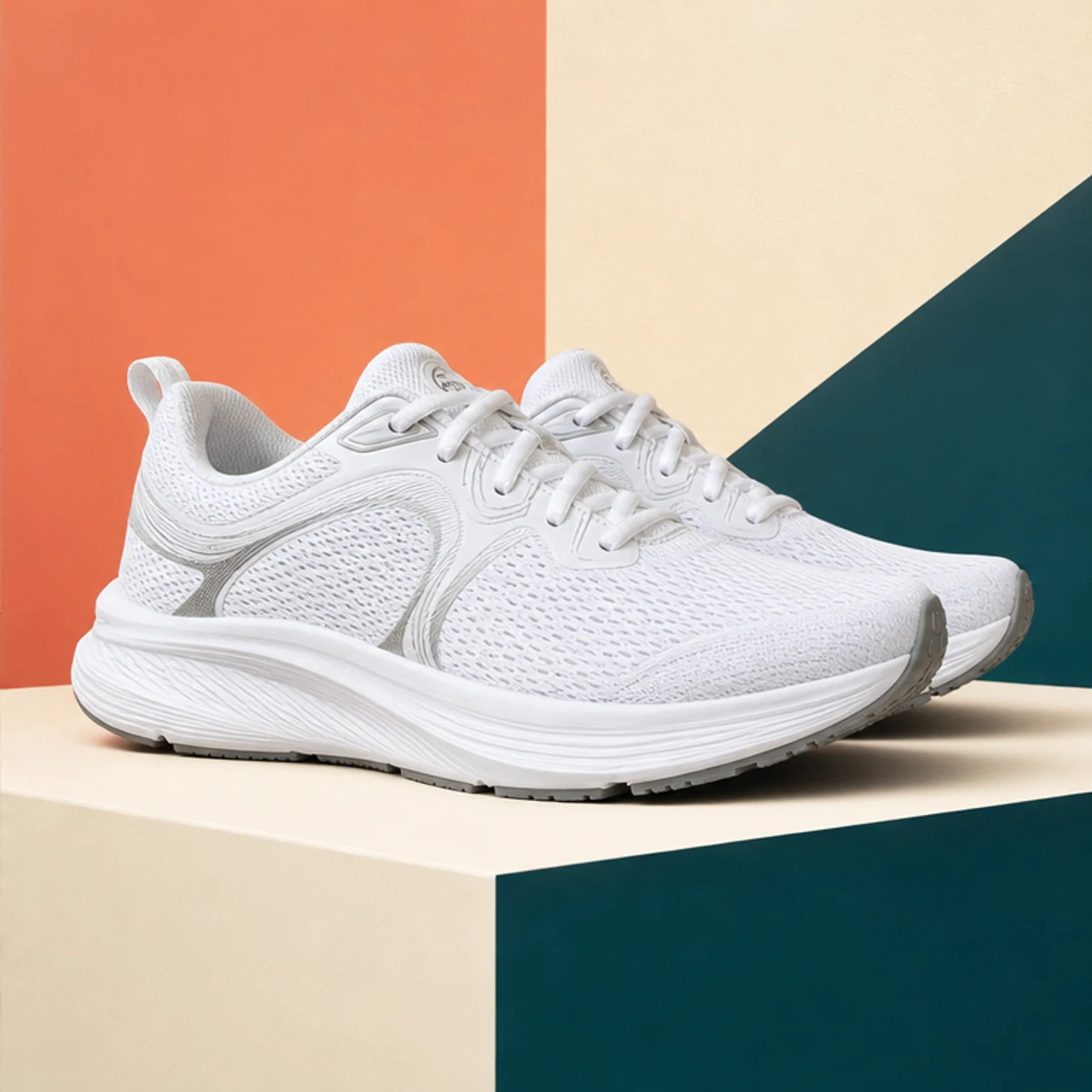
Prepare social ad creatives
Swap busy or mismatched scenes for backgrounds that match a launch, sale, seasonal campaign, or thumbnail concept.
Change background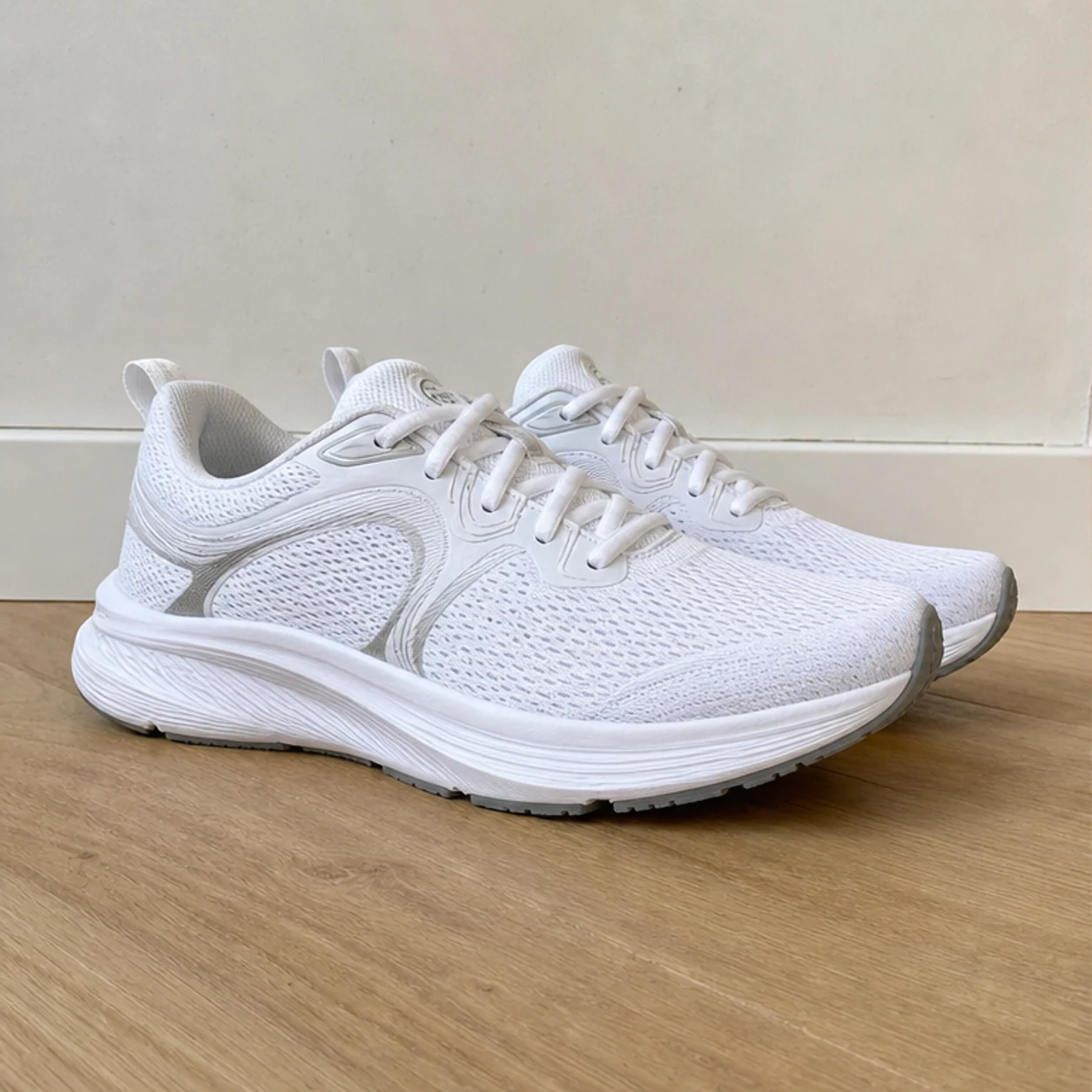
Refresh lifestyle and listing photos
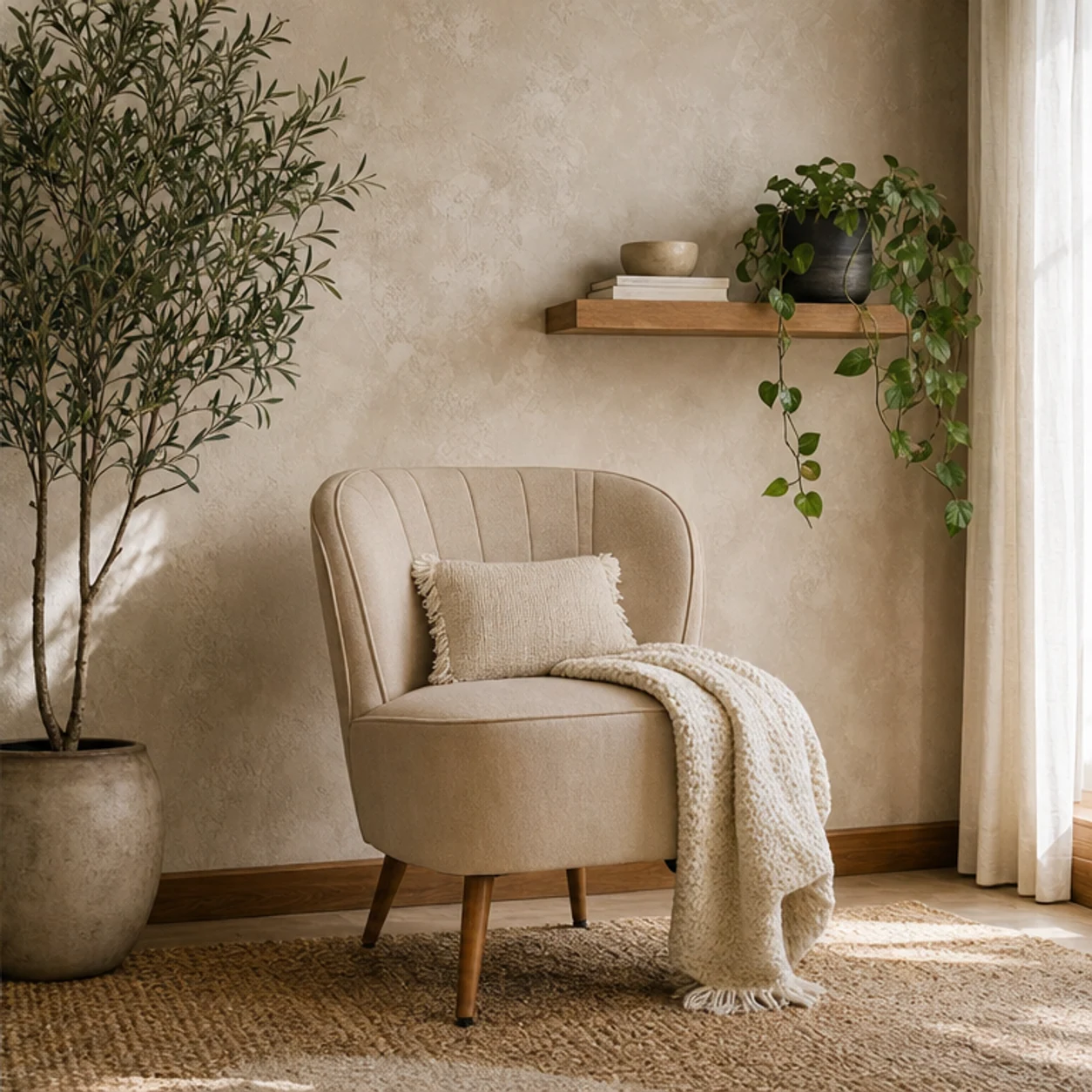
Replace distracting rooms, walls, or outdoor scenes with cleaner environments while keeping the main subject intact.
Change background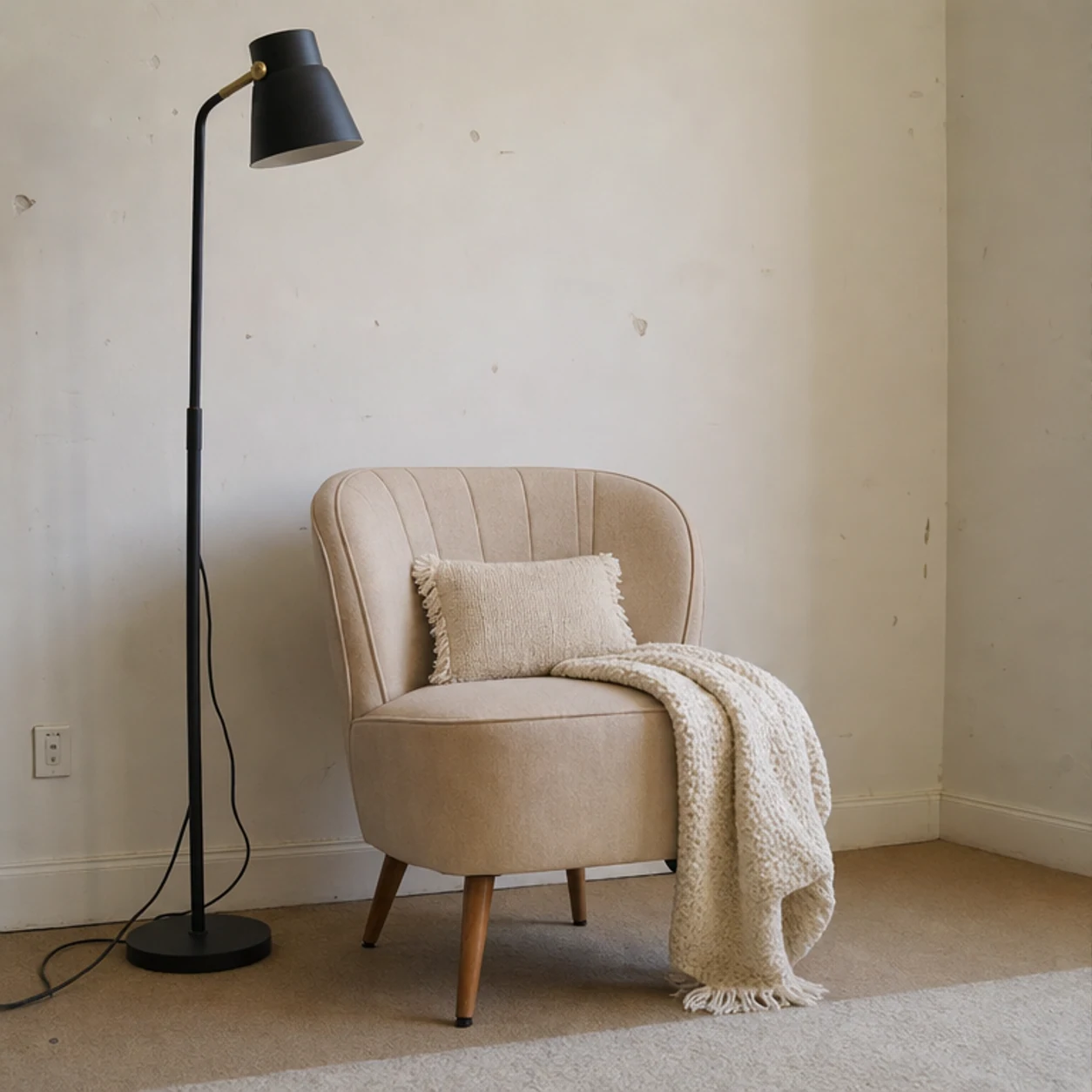
How to change a photo background
Upload an image, describe the replacement scene, and refine with a brush only when needed.
Upload your image
Start with a product photo, portrait, lifestyle shot, listing image, or AI-generated visual.
Describe the new background
Ask for a studio sweep, office, outdoor scene, seasonal setup, branded color, or ad-ready backdrop.
Generate the new version
Video Studio AI replaces the background and preserves the subject, lighting direction, and important details where possible.
Upload your image
Start with a product photo, portrait, lifestyle shot, listing image, or AI-generated visual.
Describe the new background
Ask for a studio sweep, office, outdoor scene, seasonal setup, branded color, or ad-ready backdrop.
Generate the new version
Video Studio AI replaces the background and preserves the subject, lighting direction, and important details where possible.
Background replacement without starting over
A GPT Image 2 editing workflow for changing the scene while preserving the subject.
Automatic background replacement
Upload a photo and describe the scene you want. Video Studio AI rebuilds the background without forcing you to paint a mask first.
Optional brush refinement
Use the brush when a tricky background edge or local backdrop area needs more precise guidance.
Built for business visuals
Create cleaner product shots, profile images, campaign creatives, thumbnails, and listing photos from the same source image.
Common Questions & Answers
Find out all the essential details about AI Background Changer
Change a photo background with AI
Upload an image, describe the new scene, and create a cleaner visual.