AI Object Remover
Free AI Object Remover for Photos
Remove unwanted objects, people, text, and distractions with a brush mask while Video Studio AI reconstructs the background naturally.
Result


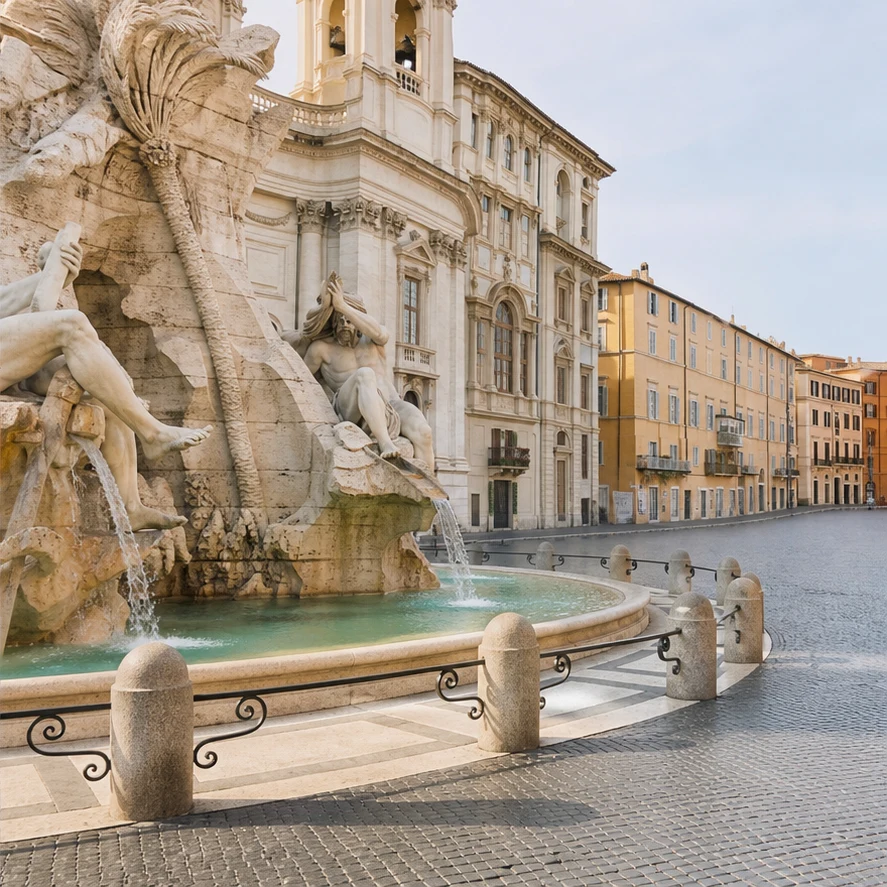
Remove people from travel photos
Clean up tourists, passersby, signs, trash bins, and background distractions without cropping the shot.
Remove object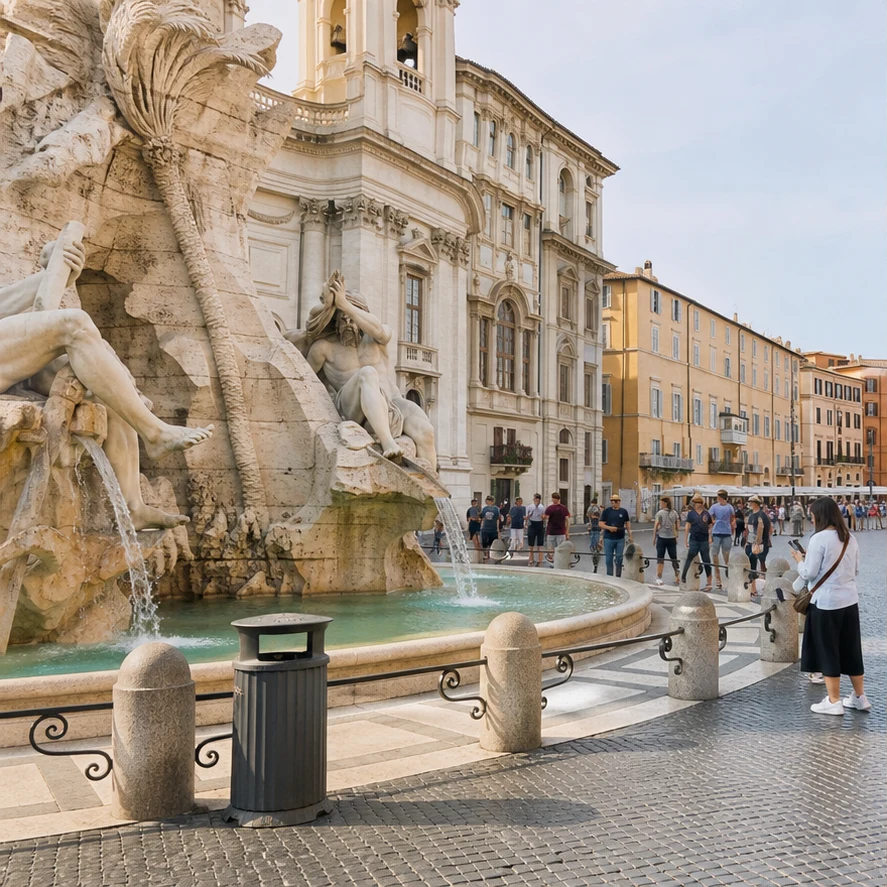
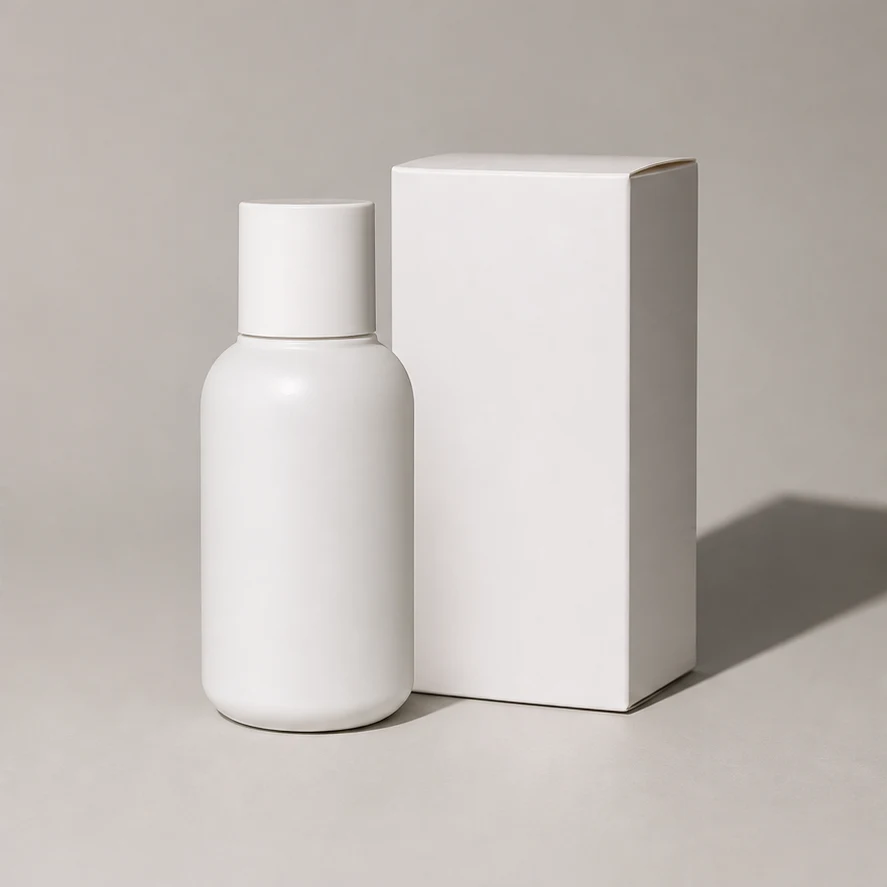
Clean product photos
Erase dust, labels, props, reflections, or stray packaging details before using product images in ads or stores.
Remove object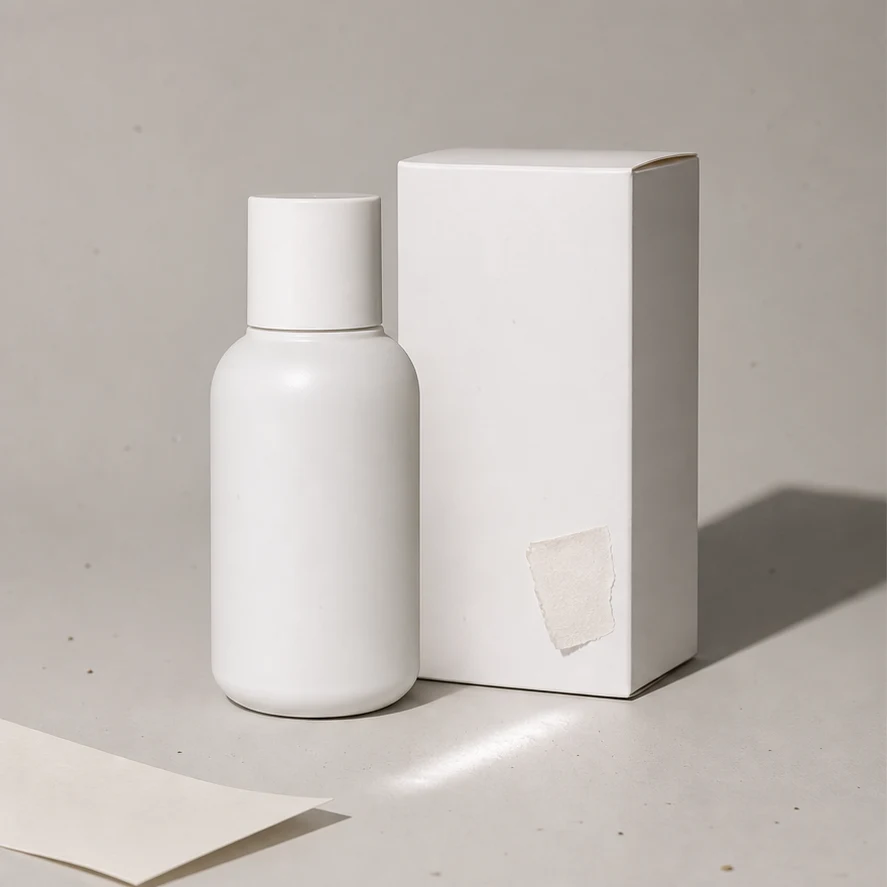
Fix portraits without changing the person
Remove small distractions around hair, clothing, walls, or furniture while keeping the subject recognizable.
Remove object

Erase text, marks, and clutter
Remove unwanted text, stickers, cables, wall marks, or scene clutter and rebuild the surrounding texture.
Remove object

How to remove objects from a photo
Upload a photo, brush the object, and let Video Studio AI rebuild the background.
Upload your photo
Start with a travel photo, product shot, portrait, listing image, or AI-generated image.
Brush the object
Cover the full distraction with a little margin so the tool knows exactly what to remove.
Generate a clean image
Video Studio AI removes the object and fills the area with a natural-looking background.
Upload your photo
Start with a travel photo, product shot, portrait, listing image, or AI-generated image.
Brush the object
Cover the full distraction with a little margin so the tool knows exactly what to remove.
Generate a clean image
Video Studio AI removes the object and fills the area with a natural-looking background.
AI object removal that keeps the photo intact
A brush-mask cleanup tool for removing distractions without changing the whole image.
Brush only the distraction
Mark the object, person, sign, logo, or clutter you want gone while preserving the rest of the photo.
Clean backgrounds automatically
Video Studio AI fills the selected area with matching texture, lighting, and surrounding detail.
Built for real photo cleanup
Use GPT Image 2 inpainting for travel photos, product shots, portraits, listings, and social posts.
Common Questions & Answers
Find out all the essential details about AI Object Remover
Remove an unwanted object with AI
Upload a photo, brush the distraction, and create a cleaner image.