Prompt
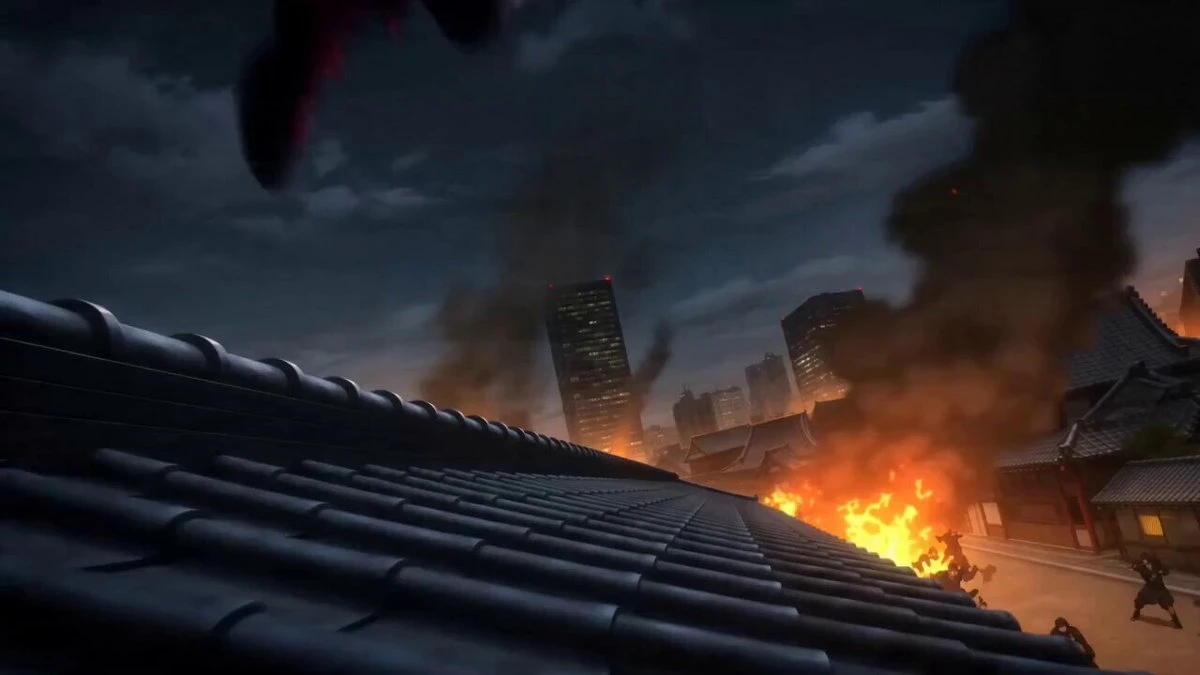
259 wordsAct 1: Stillness and Burst (Testing Acceleration from Standstill) Visual: Close-up. fire-and-ice mythic hero's Red Armillary Sash gently sways in the wind with sparks flying. The camera suddenly zooms out rapidly. Action: fire-and-ice mythic hero suddenly kicks off the ground, causing the earth to shatter. Visual Focus: Testing Seedance 2.0's simulation of debris trajectory, and the transition from stillness to ultra-high-speed movement. Act 2: Attribute Transition (Testing Match Cut Editing) Visual: fire-and-ice mythic hero swings his Fire-Tipped Spear in a sweeping motion, creating a circular ring of flames. Transition Design: The flame ring seamlessly transforms into the ice rival's rotating ice blade while spinning. Action: The camera follows the rotation axis of the weapons, achieving an instant, smooth transition from red tones to blue tones. Act 3: Fierce Battle Interaction (Testing Physics Collision and Cinematography) Visual: Mid-shot from the side. The Fire-Tipped Spear and ice sword collide in mid-air. Action: Sparks and ice fragments explode simultaneously. the ice rival's body moves like a dragon, spiraling upward around a fire pillar; fire-and-ice mythic hero inverts in the air, feet-first toward the ground on his Wind-Fire Wheels. Visual Focus: Testing whether the model's limbs break down during "high-speed dueling" of the two characters. Act 4: Ultimate Transition (Testing Space Folding) Visual: fire-and-ice mythic hero punches and shatters an ice wall. Transition Design: The shattered ice crystals transform into dancing red leaves or fire feathers in the air. The camera passes through the ice fragments and instantly cuts to the next scene. Visual Focus: Testing Seedance 2.0's logical continuity using particle continuity.
About this prompt
Mythic Fire-Ice Hero Clash is a Anime Seedance 2.0 prompt with 259 words, structured around shot timing, camera direction, motion cues, and remixable scene details.
Use the preview clip when available to understand pacing, then treat the prompt text as a production brief you can adapt for your own subject, brand, or story.
Video prompt structure
Use it for Anime videos
Best for Seedance 2.0 generations that need Anime, Multi-Shot. Replace the subject, setting, product, dialogue, music, and timing before sending it to the generator.
Customize before generating
- Swap the subject. Keep the camera and timing structure, but change the character, product, or environment.
- Tighten the timeline. Shorten or expand shot blocks so they match the duration you want to render.
- Add reference media. Use first frames, last frames, images, video, or audio when the prompt depends on a specific look or rhythm.
More Seedance paths to explore
Browse adjacent styles and techniques from the same Seedance 2.0 prompt library.
How to use it
- Step 1
Copy or start from this prompt
Use the full prompt as a structured draft rather than rewriting the whole video brief.
- Step 2
Open Seedance 2.0
Send the text into the Seedance generator and choose text, image, or reference mode.
- Step 3
Adapt and render
Tune duration, aspect ratio, reference media, camera notes, and dialogue before generating.
Make it a Seedance video
Start from this prompt in the Seedance 2.0 generator, then adjust the scene, duration, aspect ratio, and reference media.